Home / Tools / Aggregate Sizing
Aggregate Sizing Calculator
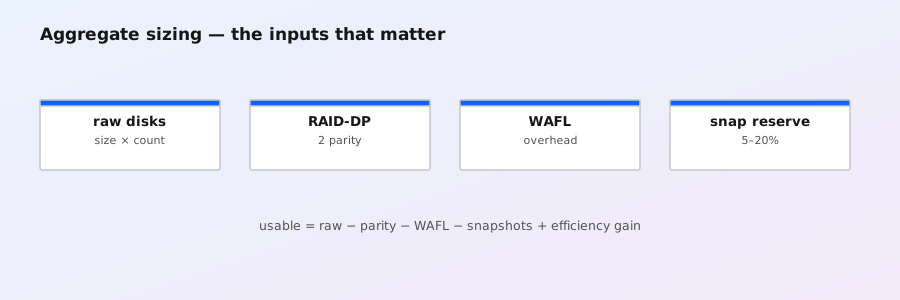
Estimate usable capacity for an ONTAP aggregate: raw disk size and count → RAID parity → WAFL/metadata overhead → snapshot reserve → storage efficiency.
| Group | Total disks | Parity | Data | Raw data capacity |
|---|---|---|---|---|
| Enter a valid layout. | ||||
| Total | — | — | — | — |
Model: RAID disks = total − spares; groups are filled up to the selected maximum; each group consumes the selected parity count; usable = raw × data disks × (1 − planning overhead/100); then × (1 − snapshot reserve/100) for live data; × efficiency for effective capacity.
Validate the plan in ONTAP
ONTAP selects RAID policy and permitted group sizes based on platform, media, and local-tier configuration. RAID-DP uses double parity and RAID-TEC uses triple parity; NetApp documents minimum local-tier sizes of five disks for RAID-DP and seven for RAID-TEC. NetApp also recommends avoiding a RAID group that is less than half the size of other groups in the same local tier where possible. The calculator flags those planning conditions, but it does not replace Hardware Universe or platform-specific limits.
storage aggregate show -aggregate <aggregate> -raid-info
storage aggregate show-status -aggregate <aggregate>
The first command reports configured RAID information; the second shows disks by RAID group and their data/parity positions. See NetApp's documentation for default RAID policies, RAID-group sizing considerations, and storage aggregate show-status.